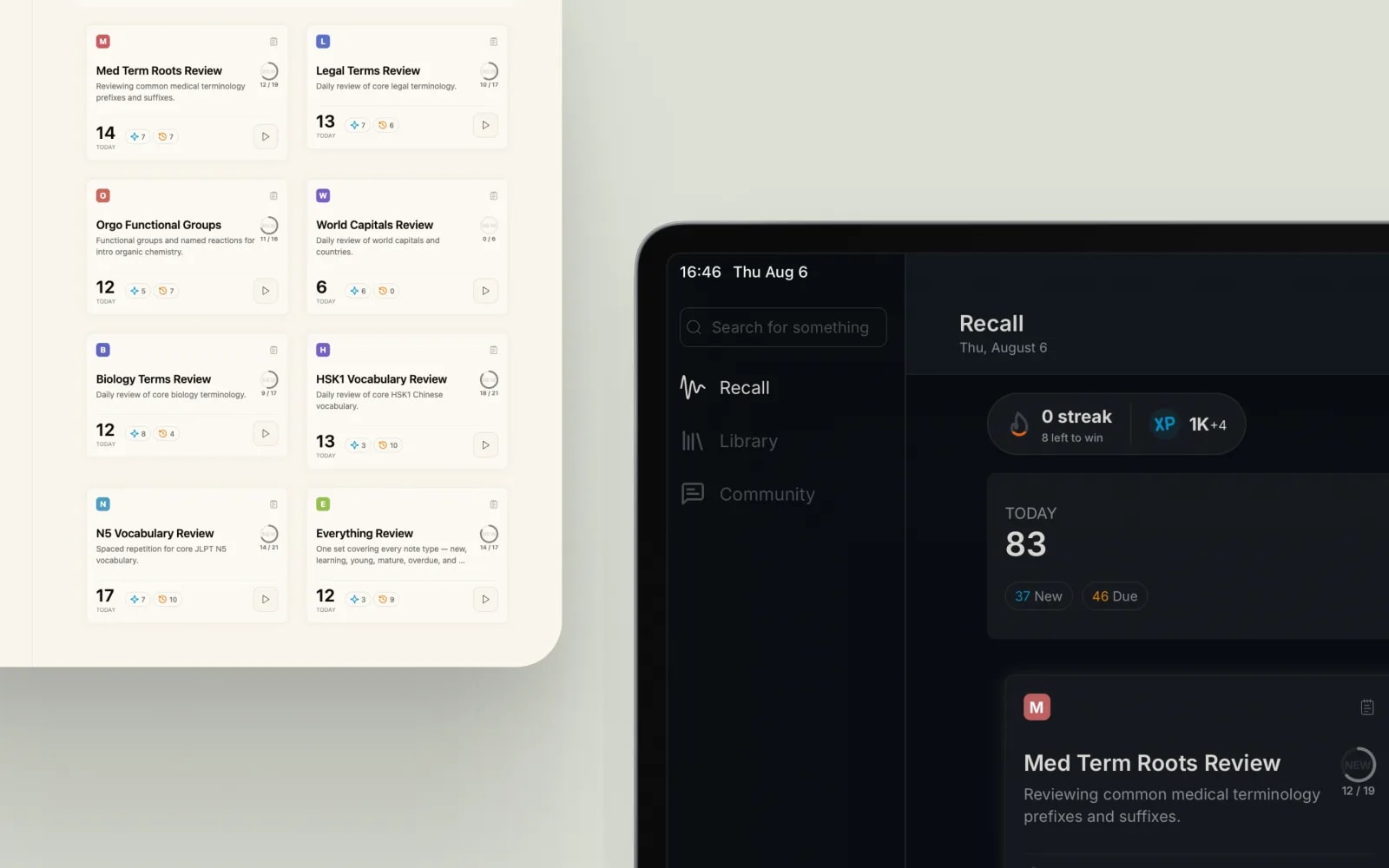
One place for the whole study loop.
Organize your notes in Library, let Recall schedule every review, and share what works in Community, all backed by instant search, cross-device sync, and a streak-and-XP system that keeps you coming back.
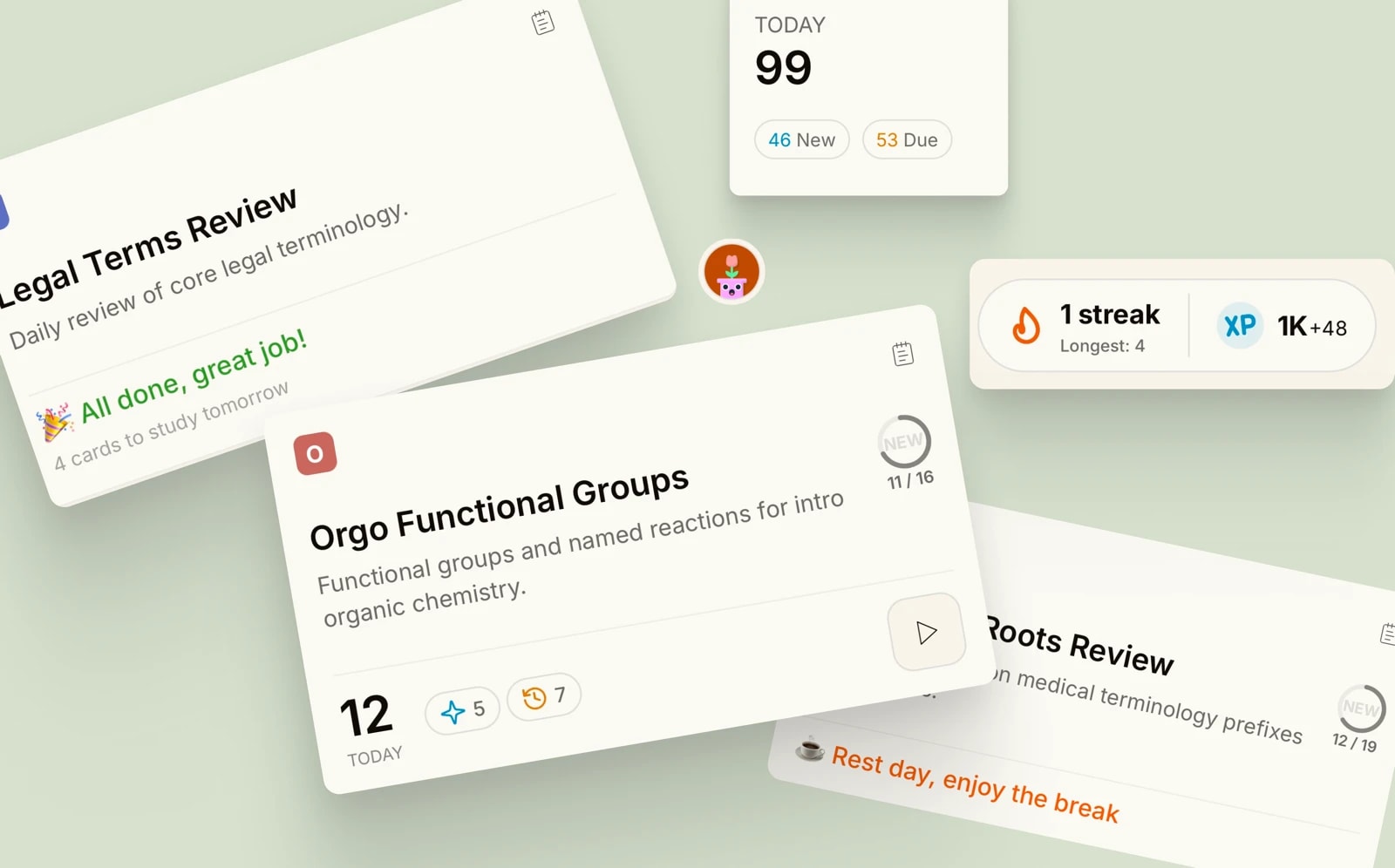
Recall
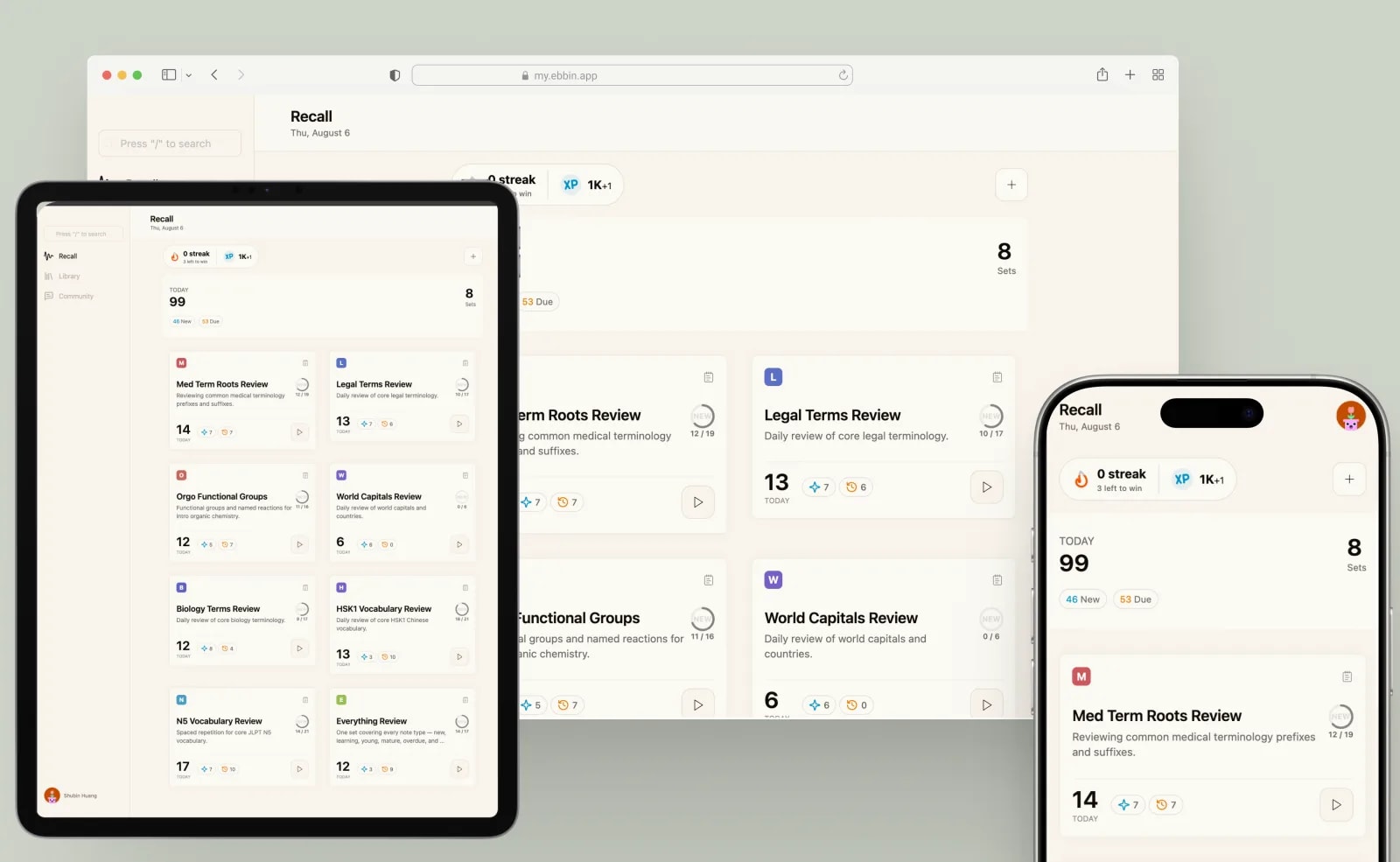
Schedules each review right before you'd forget it, using both self-graded and auto-graded.
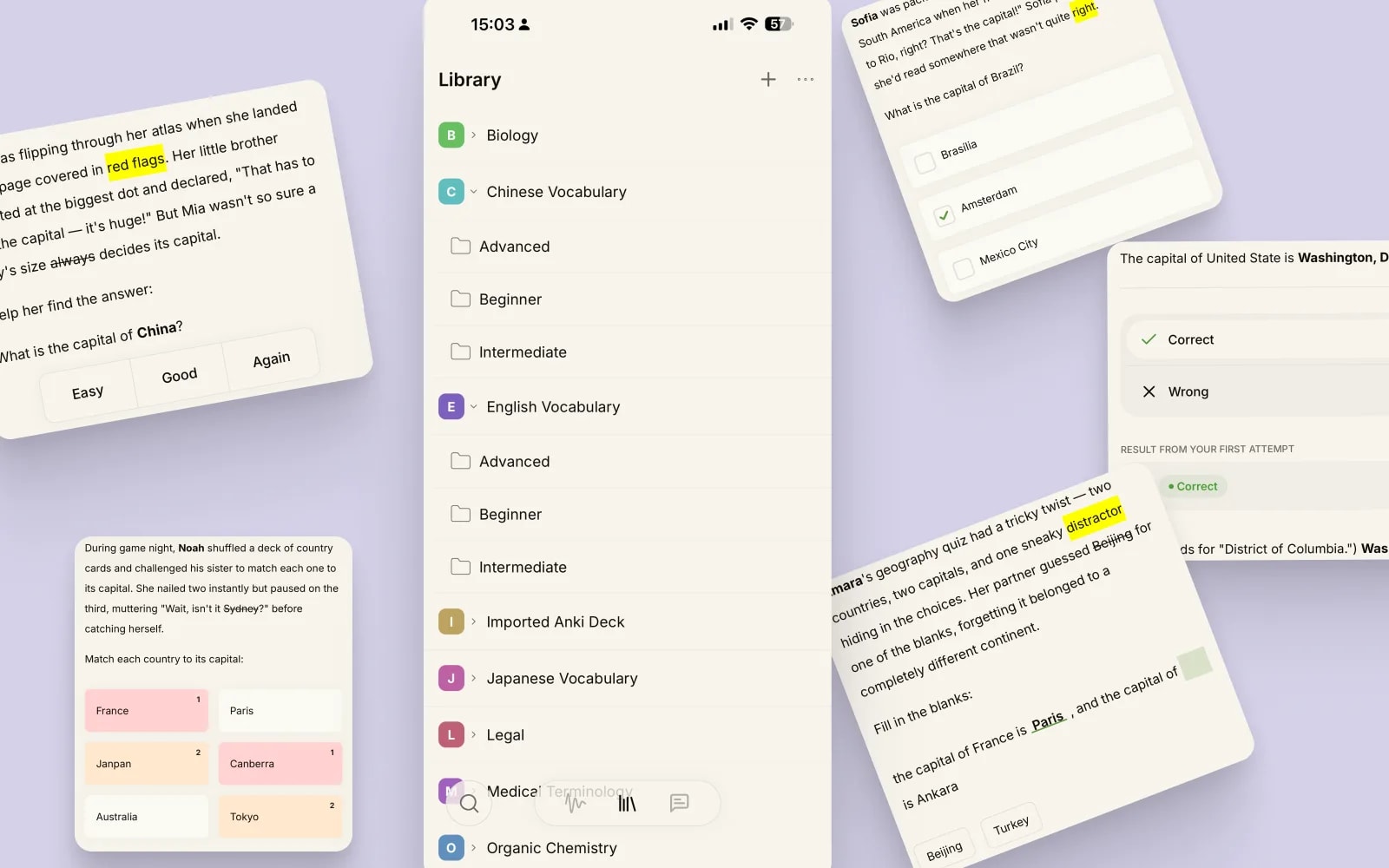
Library
Every note fits the material, organized into folders you control. Already on Anki? Import instead of rebuilding.
- Anki import
- Q&A
- Choice
- Matching
- Cloze
- True/False
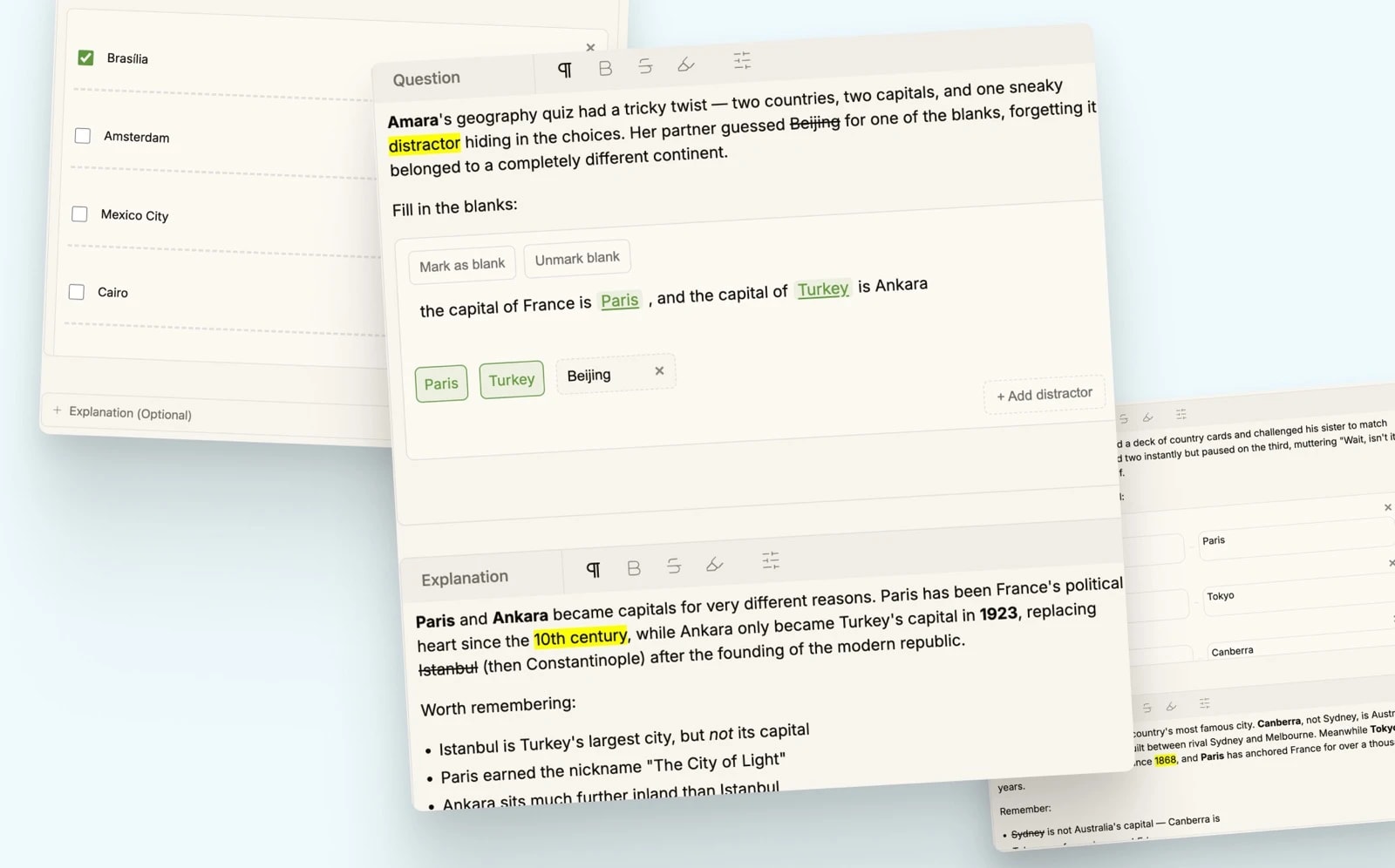
Note
Write a note like a document, with the same WYSIWYG editor on every note type.
- Headings
- Bold
- Highlight
- Lists
- Links
- Media
Cross-device
Study on iPhone, iPad, Android, or the web, same account, same queue, wherever you left off.
Community
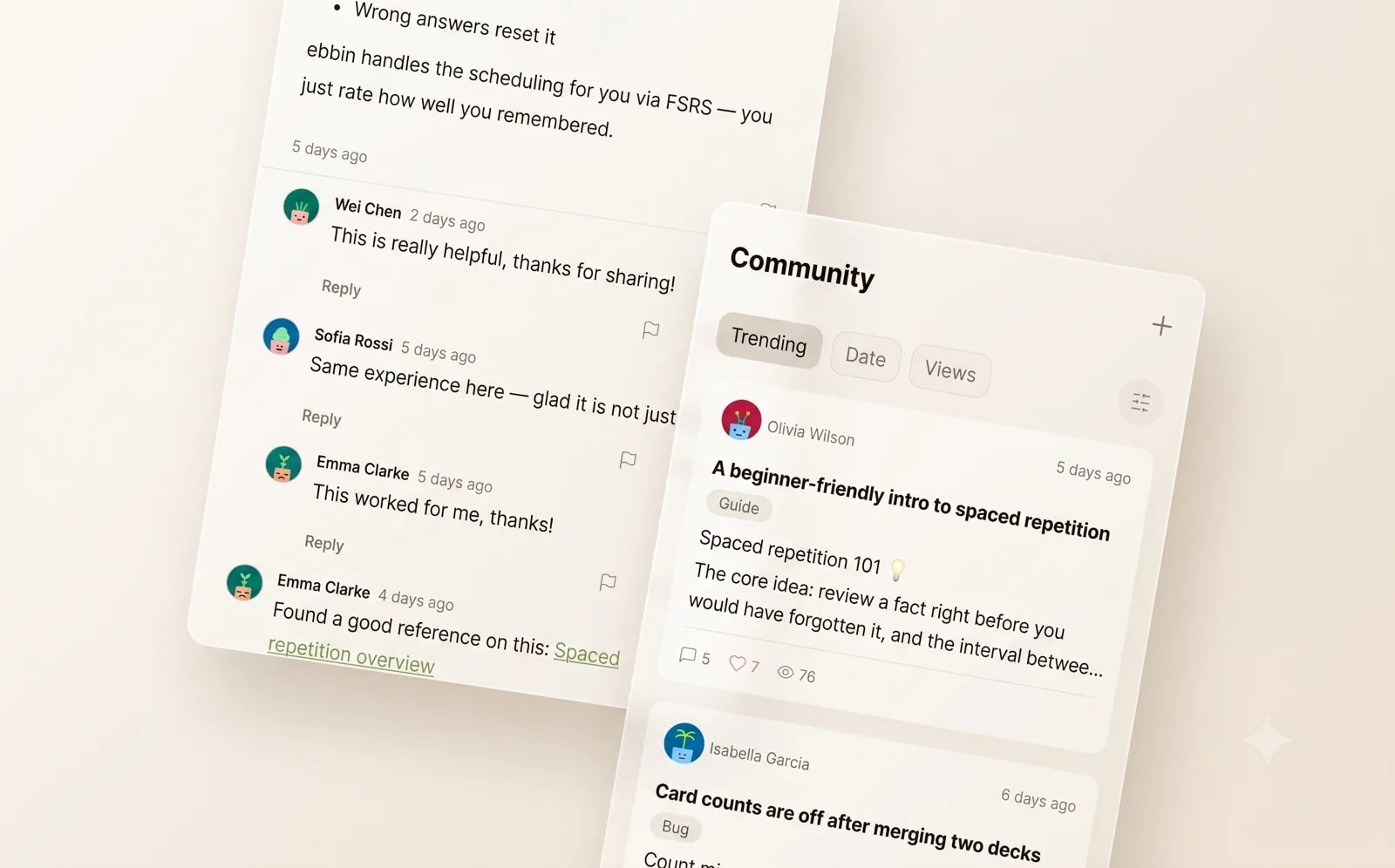
Share decks, swap study tips, and shape what Ebbin builds next, together.
- Discussion
- Study Tips
- Deck Sharing
- Feature Request
- Guide
- Bug
Search
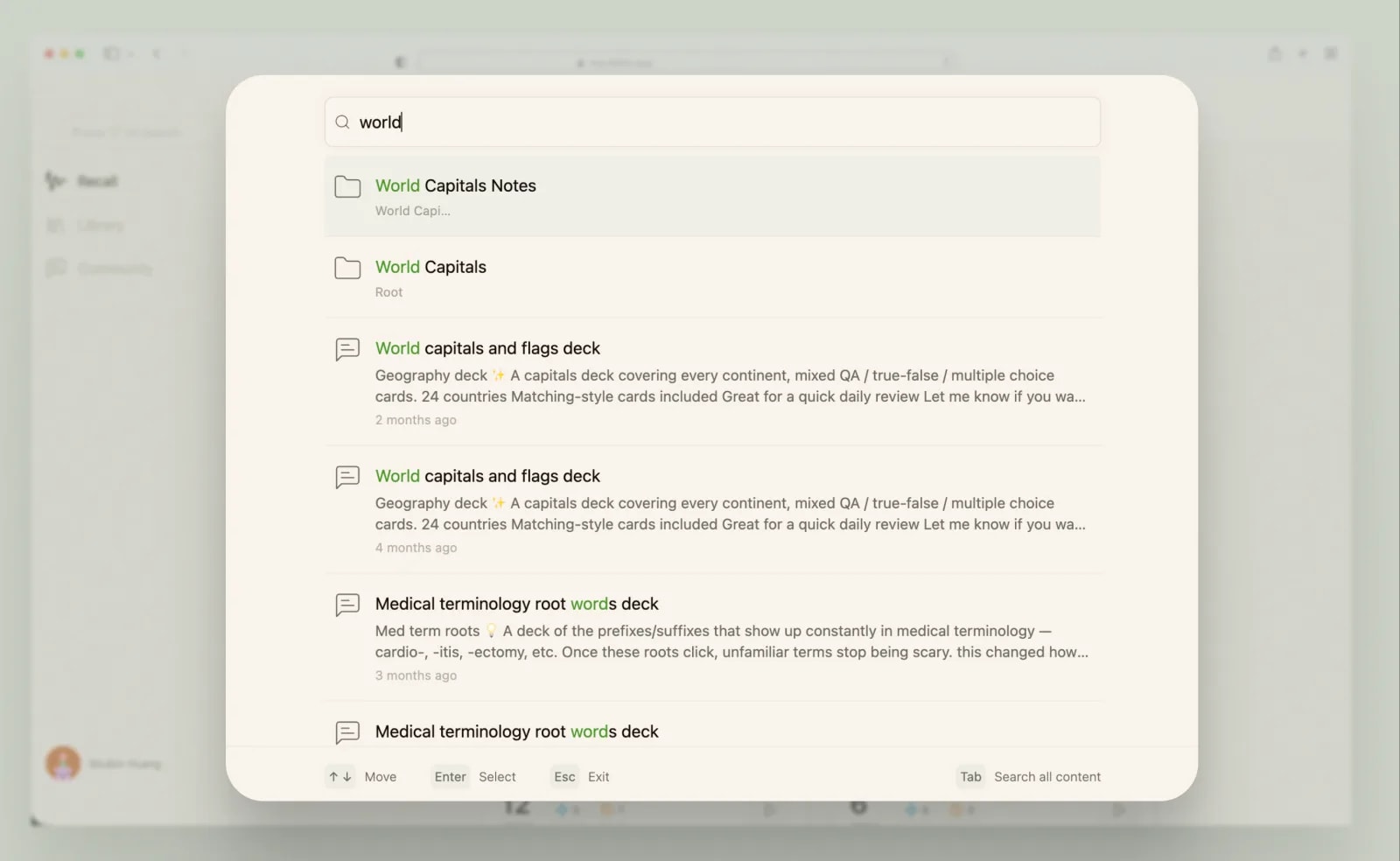
Instant fuzzy search across every folder, note, and community post, find it the moment you start typing.
Light & dark
Switch between a light and dark theme on every device